Pre-requisite: Docker
To import the demo database using our forestadmin/meals-database image, simply run:
That’s all! Your database is running locally in a docker container.
\d to see the available list of tables.
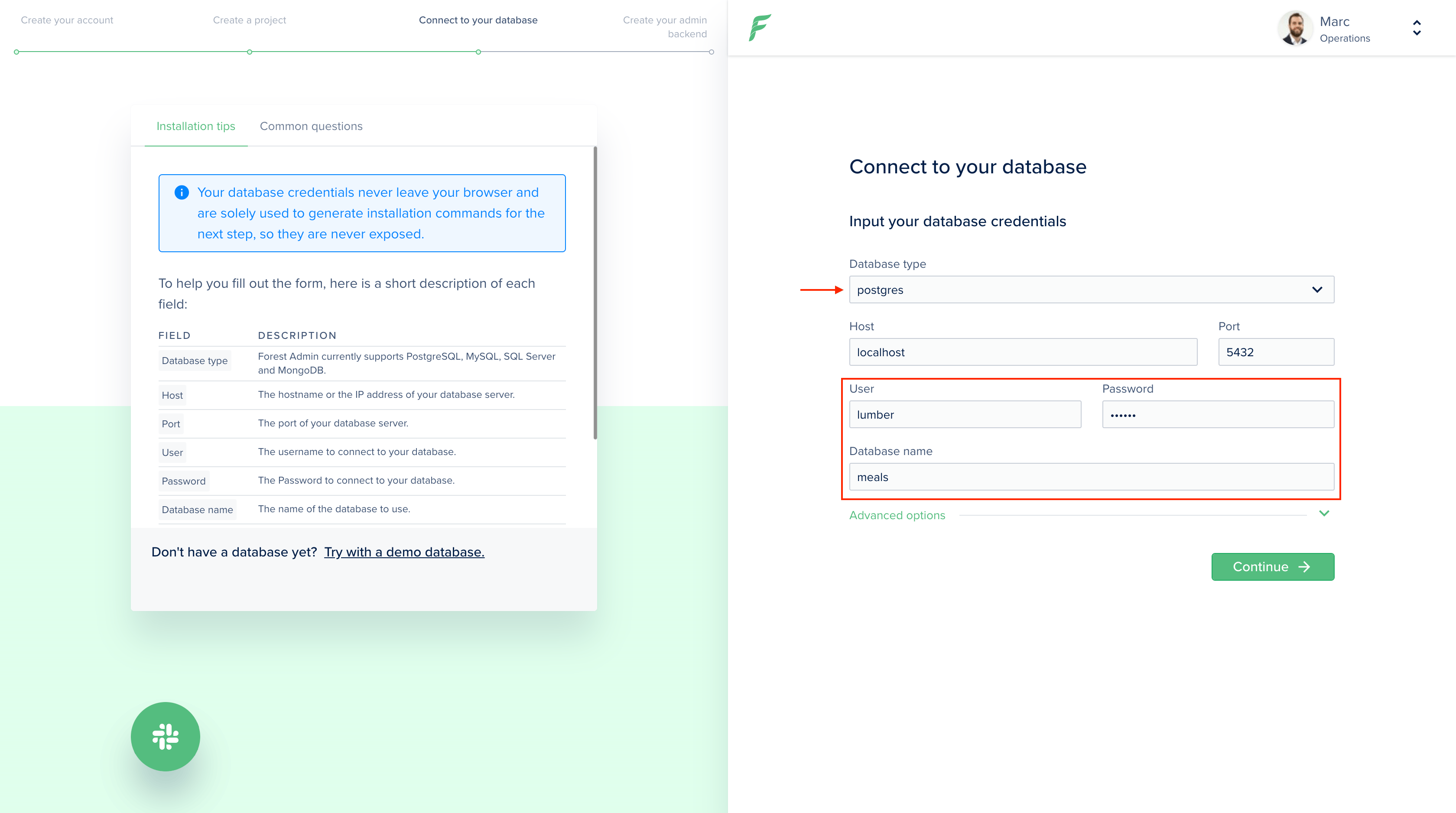
To use this database for a new Forest project, you’ll need:
| Property | Value |
|---|
| User | lumber |
| Password | secret |
| Database name | meals |